
When Help Content Becomes a Liability: Stopping Documentation Drift in Support Teams
When Help Content Becomes a Liability
Manuals change. Screenshots drift. Steps fall out of sync. Videos lag behind product reality. Ticket volume quietly absorbs the cost. The operational problem isn’t “we need more content.” It’s that knowledge assets aren’t designed to be maintained at the pace your product changes.
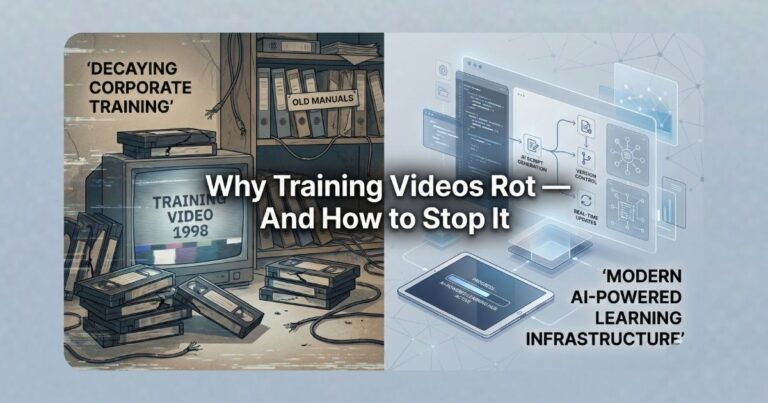
A fast visual summary (why help libraries rot)
Three forces compound into predictable “instructional debt”:
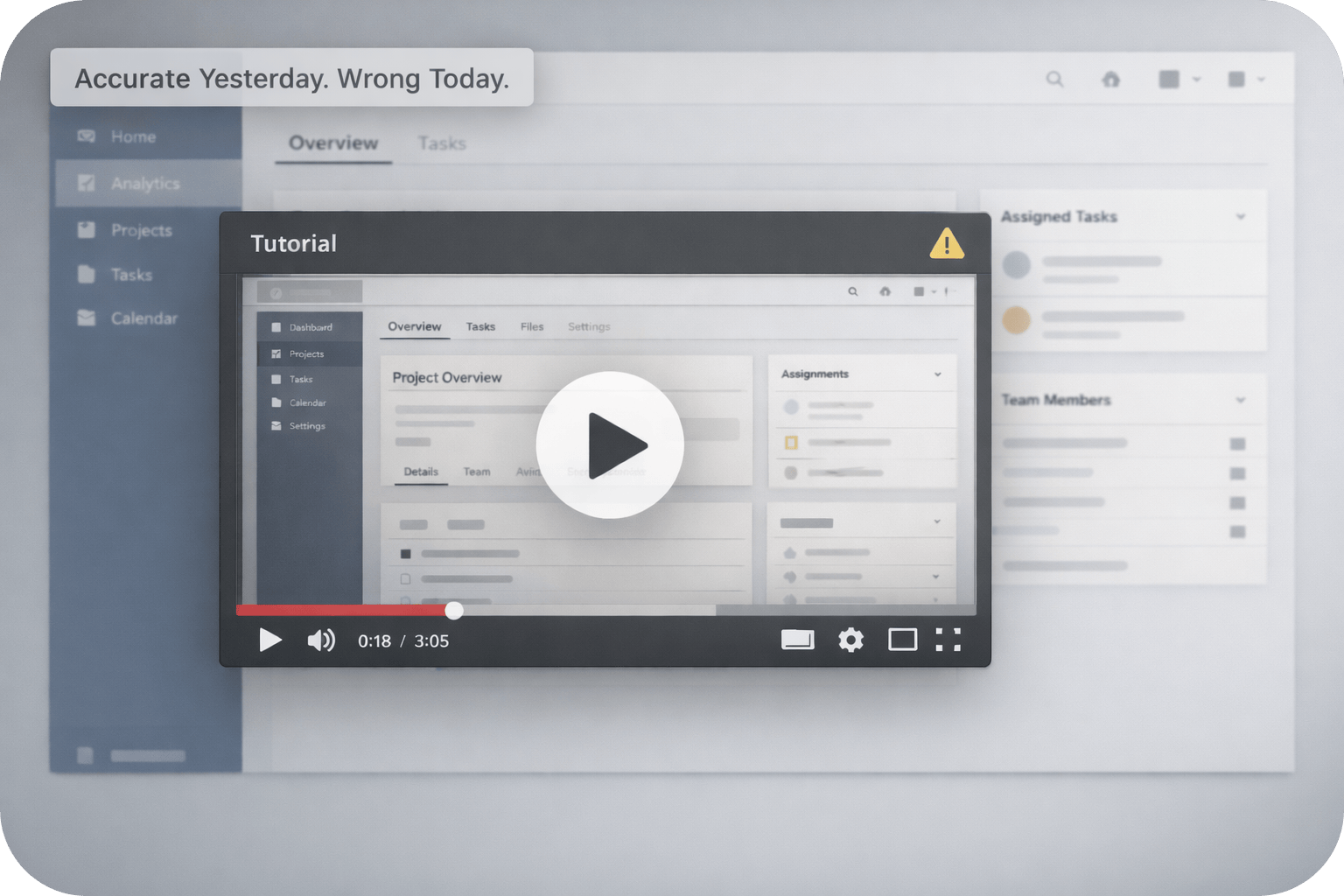
The recognition moment is rarely dramatic. It shows up on a Tuesday: a customer followed your “official” getting-started video precisely, and still failed—not because the software is broken, but because the guidance is.
The UI your narrator points to no longer exists. The “Settings” entry moved. A workflow changed order. Your agent responds with a familiar translation: “That video is from an older version.”
This isn’t a marketing problem. It’s a knowledge integrity problem—and it behaves like technical debt.
The Real Problem Isn’t Content Volume — It’s Drift
Documentation drift is the widening divergence between product reality and what your help assets say. In modern CI/CD environments, drift is not an edge case. It is the default state unless you design against it.
Text can often be patched quickly. Video is structurally different: it is a compiled artifact of narration, visuals, and timing. Minor UI changes can invalidate the viewer’s mental model because the screen is the primary authority during task execution.
When the “mirror” fails, the help system stops being a source of truth and becomes a liability.
What it costs (operationally)
- Ticket amplification: outdated guidance produces preventable tickets.
- Queue drag: agents translate between current UI and stale instructions.
- Update avoidance: teams keep broken videos live because fixes are expensive.
- Trust collapse: one mismatch causes users to discount everything.
Three Use Cases Where Drift Hits First
Use Case 1: UI Walkthroughs in a Product That Ships Frequently
UI walkthroughs decay fast because they encode layout and labels. Even when underlying functionality is unchanged, a navigation shift breaks spatial instructions (“click the button in the top-right”). The user experience becomes: “I did what the video said, and your product doesn’t match.”
The operational impact is escalation: the user assumes a product defect, not a tutorial defect.
Use Case 2: Internal Training and Onboarding That Lags Behind Reality
Internal teams inherit the same failure mode. New hires learn workflows that have already been replaced, then require live correction from senior staff. Training becomes a shadow system of “ignore what the video says; do this instead.”
That is not training efficiency. That is institutionalized rework.
Use Case 3: Support Deflection Content That Starts Creating Tickets
Deflection assets fail when they are trusted but wrong. A high-production “how to configure X” video that’s out of date doesn’t reduce ticket volume. It increases it—because it confidently walks users into dead ends.
The Mental Shift: Video Is Knowledge Maintenance, Not Media Production
Traditional video workflows assume stability: create, publish, move on. Most modern products are not stable. The shift is to treat video like documentation: a maintained representation of how the system works now.
That requires versioning, update triggers, and ownership—before you argue about tools.
Governance Comes Before Tools
Tooling decisions fail when governance is retrofitted. Before adopting any documentation-to-video workflow, define:
- Update triggers: what product changes require updates (UI moves, labels, step order).
- Ownership: who is accountable for accuracy, and who approves changes.
- Versioning rules: how assets map to product versions or release trains.
- Deprecation policy: when outdated assets are removed, not patched with disclaimers.
Without this layer, you’ll scale inconsistency faster.
Where Synthesia Fits — And Where It Doesn’t
Synthesia fits when you need documentation-to-video infrastructure: separating a governed source of truth (script/steps) from a rendered output, so updates become controlled edits and re-renders.
It is not a replacement for human trust transfer, leadership presence, or emotionally sensitive storytelling. Resilient support systems use both categories intentionally.
Use human video for
- Leadership, credibility transfer, sensitive topics
- Culture and identity moments where presence is the point
Use maintainable video for
- Procedures, onboarding, how-to workflows that change
- High-volume guidance that must stay correct
Operational resource (downloadable framework)
This resource includes a practical governance layer (ownership + update triggers), a script-as-source-of-truth workflow, and a decision rubric for where maintainable video belongs—and where it doesn’t.
It’s built for Customer Support & Documentation Managers who need to reduce drift-driven ticket spikes and lower lifecycle risk, without turning “more content” into a bigger maintenance backlog.
👉 Open the framework + operational templates
Decision Guidance (A Fit Test)
The question is not whether video is useful. The question is whether your system can keep it correct. Use this fit test to avoid adopting a tool that simply accelerates bloat.
Strong fit if
- Information shelf-life is under 12 months
- Accuracy matters more than persuasion
- Your UI/workflows change regularly
- You need consistent outputs across teams
Poor fit if
- Content is evergreen and stable
- Emotional authenticity is the core requirement
- You rarely update assets after publishing
Strong Closing Insight
Drift is not a failure of effort. It is a failure of architecture.
If video remains a static artifact in a product that changes continuously, it will become incorrect. If video is treated as maintained knowledge—with governance, versioning, and predictable update triggers—it becomes a durable part of your support system rather than a recurring source of tickets.
FAQ
Is video documentation viable in fast-moving products?
Yes—but only if it’s designed for ongoing change. In fast-moving products, the dominant cost driver is not production; it’s the marginal cost of updates. Video becomes viable when your workflow treats the script/steps as the source of truth and outputs can be regenerated quickly when UI or workflow changes occur. Without a maintenance-first design, video assets drift into misinformation and create more support load than they prevent.
Why does video drift faster than text documentation?
Text is patchable. Video is a compiled artifact: narration, visuals, timing, and UI state are bound together. A small UI change—button label, menu location, step order—can invalidate the viewer’s ability to follow along, even if the feature still exists. When the viewer loses the “mirror of reality,” they distrust the entire asset, not just the wrong moment. That trust sensitivity makes drift operationally expensive.
Can AI-generated video replace all traditional training and help videos?
No. The boundary is not “AI vs human.” The boundary is the purpose of the content. Maintainable video is ideal for procedural guidance, onboarding steps, and high-change workflows—where accuracy and consistency matter most. Human video remains valuable for leadership presence, trust transfer, and sensitive or culture-heavy topics where authenticity is the point. A resilient system uses both, with clear governance on what belongs in each category.
What governance should be in place before adopting a documentation-to-video workflow?
Governance should exist before licenses are purchased. At minimum: define update triggers tied to releases (what changes require content updates), assign ownership for accuracy (who edits and who approves), establish versioning rules (how assets map to product versions), and maintain a deprecation policy (how outdated assets are removed rather than patched with disclaimers). Without this, you risk scaling inconsistency—faster.
How do support and documentation teams measure success after shifting to maintainable video?
Measure outcomes, not content volume. Indicators that matter: reduced tickets caused by outdated guidance, faster time-to-update after a release, fewer agent “translation” responses (“the video is old; do this instead”), and restored confidence in self-serve resources (users complete tasks without escalation). The goal is knowledge integrity: keeping guidance aligned with product reality at the pace the product changes.
Disclosure & Final Thoughts
Disclosure: Some links included may be affiliate links. If you choose to explore tools through them, AI Compare Lab may earn a commission at no additional cost to you.
Treat video as knowledge maintenance and accuracy becomes cheaper than avoidance. Treat it as media production, and drift becomes a predictable tax.